On the Marker Design Screen

Work Faster and More Efficiently Using Advanced Functions

Validate Your Marker Plan Before Cutting

Analyze and validate marker layouts before production begins.
Measure distances, detect piece collisions and control fabric shrinkage values.
Reduce production errors, improve planning accuracy and achieve safer cutting operations.

Measurement & Validation
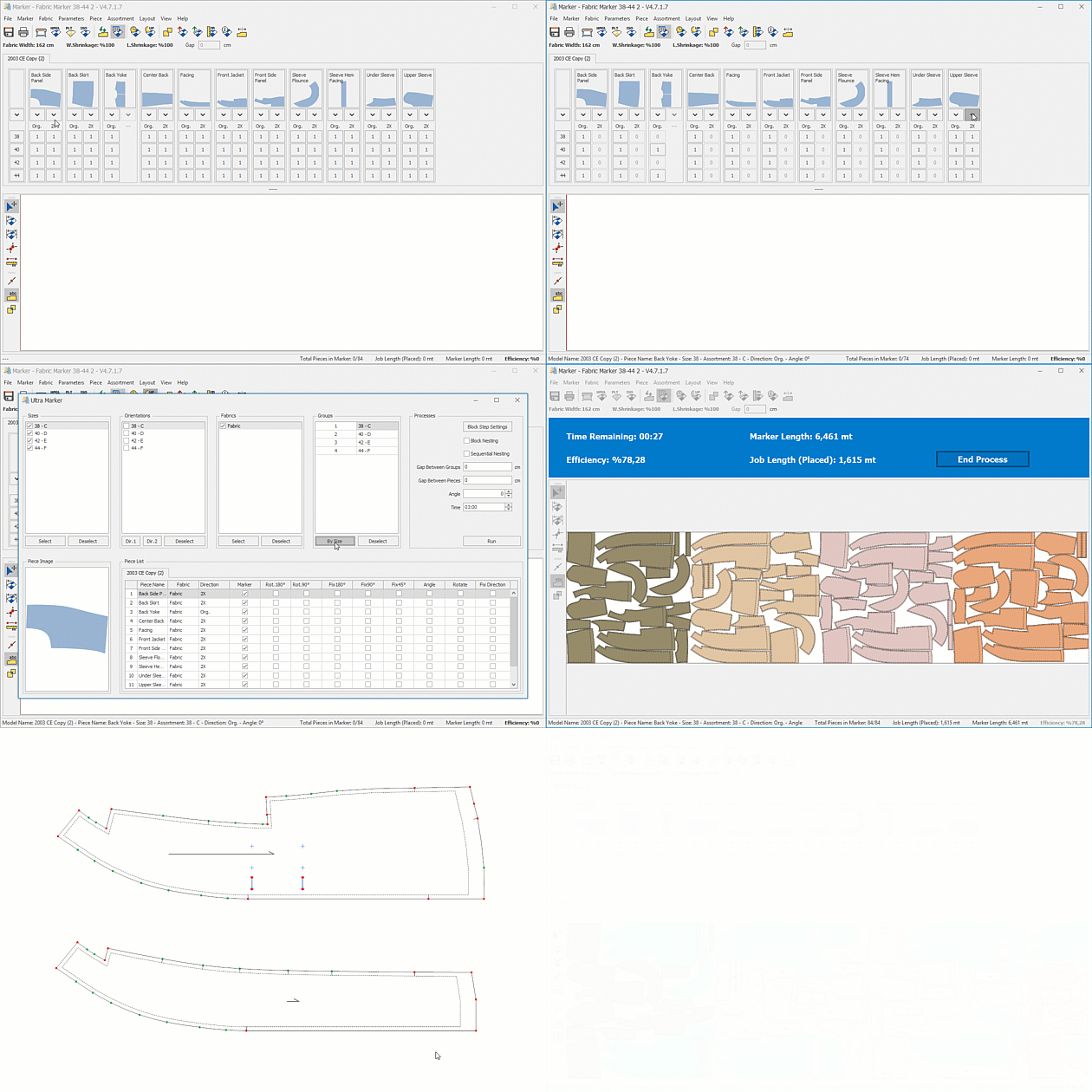
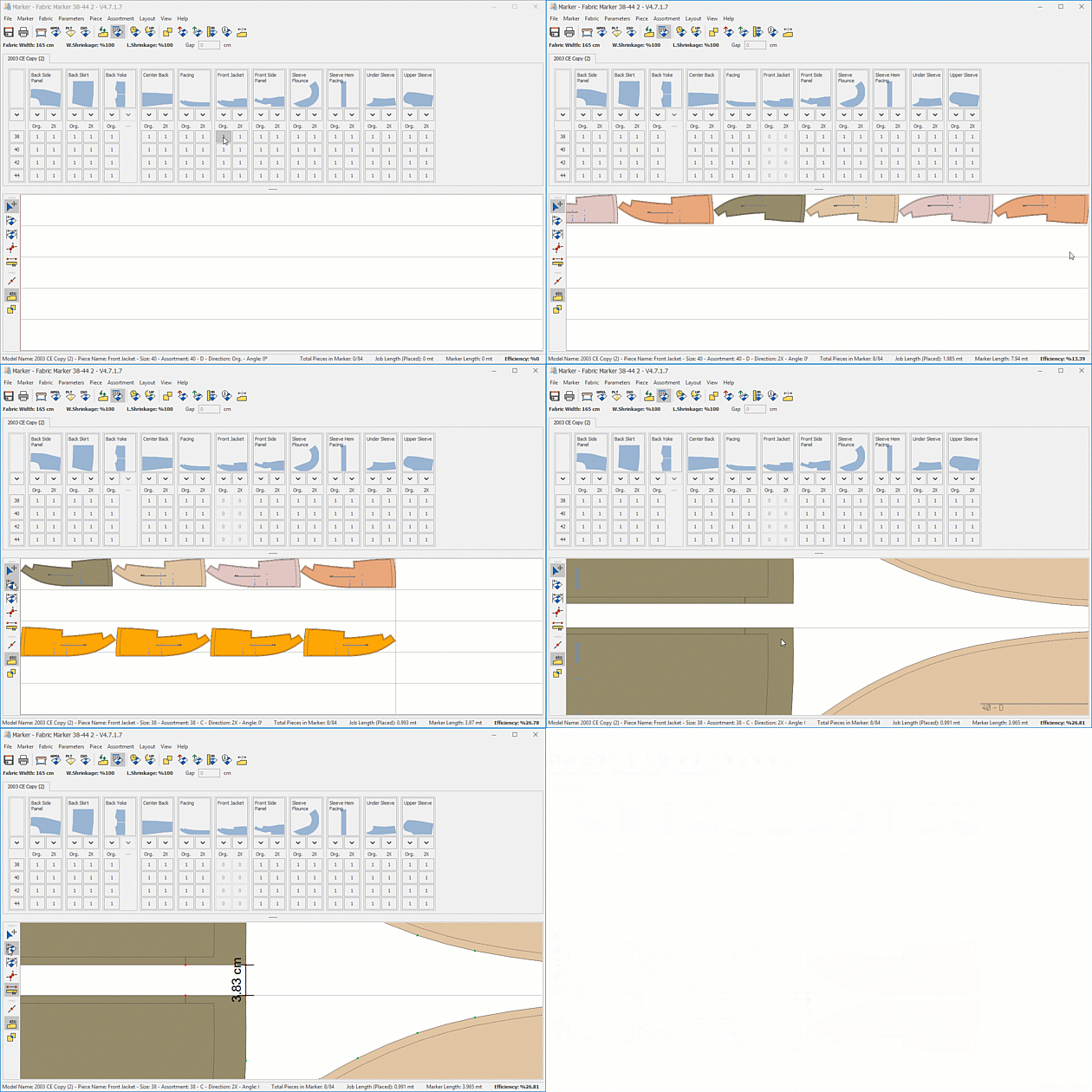
Measure markers instantly and detect piece collisions
Multiple Markers
Create and manage multiple markers within one plan
Flexible Fabric Values
Define independent shrinkage values for width and length

Full Control

Over Marker Drop & Piece Updates

Manage marker drop layouts and piece updates from a single workspace. Update layouts instantly while preserving placement stability and production flow.

• Create and manage marker drop layouts quickly.
• Apply piece updates without disrupting current layouts.
• Re-nest selected pieces instantly within the layout.
• Run automatic re-nesting for all pattern pieces.
• Update assortment and shrinkage values instantly.
• Synchronize updates automatically across the marker plan.

Advanced Marker Editing

Tools

• Measure straight and curved distances instantly
• Validate spacing between pieces before cutting
• Join pieces precisely from reference points
• Reduce cutting risks with point-based alignment
• Move, rotate and position grouped pieces
• Edit complex markers faster with group control

Portrait

Would You Like to Achieve More Efficient and Controlled Marker Planning?

Let’s adapt a marker planning approach to your workflow that helps optimize fabric utilization and brings greater control to your production planning.

Contact our team for a tailored demo, licensing options, and module recommendations for your company.

1000+ Companies / 2500+ Licenses

Leading Fashion Brands and Manufacturers in Türkiye and Around the World Choose Us.
Scroll